
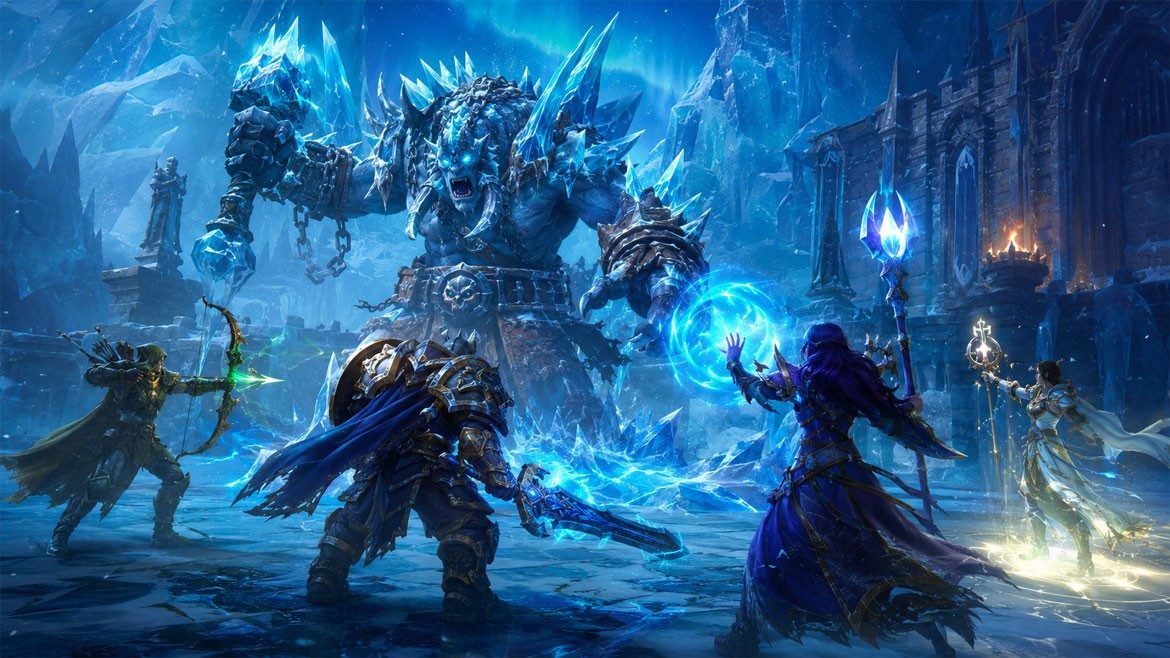
AAA games once asked for a console under the TV or a desktop with a hot graphics card. Cloud gaming changes that deal. The heavy work runs in a data center, then the finished video stream lands on a laptop, tablet, phone, or old office PC. Controls travel back the other way in milliseconds. A player comparing launch-night costs may also notice welcome bonuses at betting sites iceland beside free bets, yet the same budget thinking applies to games: rent the muscle instead of buying it. That shift matters when a single RTX 4070 still costs more than several years of a cloud plan.
What actually runs in the cloud
A cloud gaming service is basically a rented game machine sitting in a server hall. It installs the game, updates drivers, loads the save file, and renders each frame on GPUs built for shared use. The player sees a video feed, usually at 1080p or 4K, while the local device sends button presses and mouse movement.
No magic.
The trick is speed. Nvidia GeForce Now, Xbox Cloud Gaming, Amazon Luna, and PlayStation Plus Premium all lean on nearby data centers, video encoders, and fiber routes to keep delay low. At 60 frames per second, each frame lasts 16.7 milliseconds, so a slow Wi-Fi router can ruin the feel faster than an aging processor can. This is why Ethernet, 5 GHz Wi-Fi, or Wi-Fi 6 makes a bigger difference than extra RAM in the device.
For players, the machine at home becomes a screen with controls attached. An eleven-year-old Chromebook will not run Cyberpunk 2077 locally, but it can show the stream if the browser, connection, and controller behave.
Why AAA games stop demanding a new PC
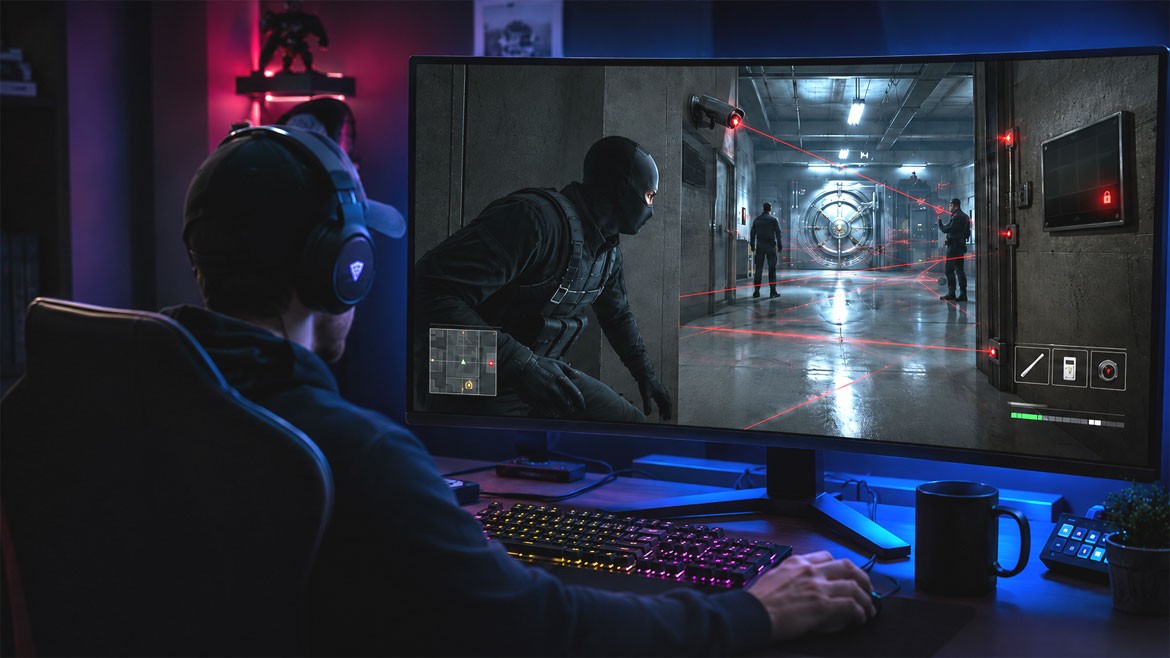 Publishers build headline games around heavy scenes: ray-traced puddles, dense crowds, huge texture packs, and physics that punish weak chips. Local hardware must do all of it at once. Cloud gaming moves those chores away, so the device in front of the player mostly decodes video, a job even cheap phones handle well.
The bill changes too.
A high end gaming PC can pass $1,500 before a monitor, and a new console still needs storage, subscriptions, and full-price releases. A cloud plan turns that into a monthly line item. It is not always cheaper over five years, especially for someone who plays every night, but it cuts the painful first purchase. That helps students, parents with one shared laptop, and players who only want two big releases each year.
Storage pressure drops as well. No 130 GB download. No deleting three games to try one.
The parts that still happen at home
The living room still matters. A muddy stream, a drifting controller, or packet loss at dinner time will make a $70 game feel worse than it should. Cloud gaming does not erase physics; it just moves the expensive silicon somewhere else.
Bandwidth is the first check. Xbox recommends at least 10 Mbps for phones and 20 Mbps for consoles or PCs. GeForce Now asks for 45 Mbps for 4K at 120 frames per second. Those numbers are not wild, but stable speed beats peak speed. A connection that jumps between 15 and 80 Mbps will stutter.
Latency is the second check. Shooters, racing games, and parry-heavy action titles expose delay quickly. Turn-based RPGs and story games forgive more. A player testing a service should try one fast game before paying for six months, then repeat the test during the busiest hour in the house, usually after dinner.
Where cloud play makes the most sense
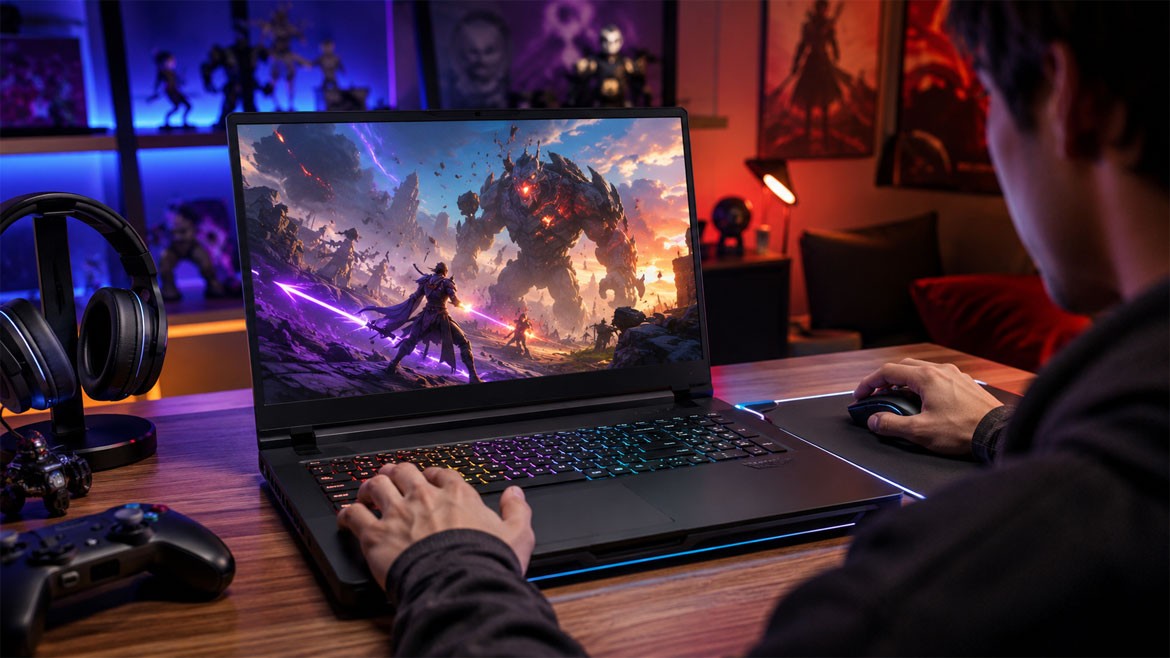 Some games fit the model almost perfectly. Single-player adventures such as Assassin’s Creed Mirage, Alan Wake 2, and Starfield depend more on image quality than split-second input. They also eat storage and demand current GPUs, so streaming them feels sensible on a MacBook Air or a small living-room mini PC.
Short sessions help.
Cloud play is also handy for trial runs. A player can test a 90 GB title in five minutes, decide it is not for them, and move on without leaving a giant install behind. Families gain another quiet perk: the main TV no longer controls who gets to play. One person can use a phone clip and controller while someone else watches a match.
There are limits. Competitive Counter-Strike, ranked Fortnite, and rhythm games punish delay. Mods, offline play, and ultra-wide tweaks also remain stronger on local hardware.
A practical checklist before signing up
Before choosing a service, the player should measure the connection with a real test, not a guess. Speedtest is fine, but a one-hour trial inside the service tells more. They should use Ethernet if possible, place the router away from thick walls, and close big downloads during play.
Small fixes count.
The screen deserves attention too. A 720p tablet hides compression better than a 55-inch 4K TV, where dark scenes can show blocks and banding. Controller choice matters as well; Bluetooth is convenient, but a USB cable trims a little delay and removes battery panic.
Library access is the last filter. GeForce Now works with owned PC storefronts, while Xbox Cloud Gaming is tied to Game Pass Ultimate. PlayStation focuses on its catalog. The smartest next step is simple: test the one game that matters most on the weakest device in the house before a long subscription gets locked in.